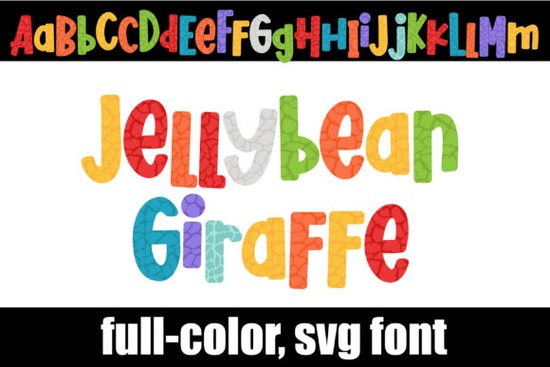
The Jellybean Giraffe Font is a fun and vibrant option for anyone looking to add a playful touch to their designs. This full-color alphabet features a giraffe print in a mixed jellybean color palette, making it perfect for projects that need a bit of whimsy. The font includes a second upper and lower case, which you can access through your system’s character map. If you're using OpenType full-color (SVG) fonts, they install like any normal .otf font, typically via FontBook on Mac or your preferred font manager on Windows.
One thing to keep in mind is that color fonts will show as black in non-compatible programs. They often appear black when choosing the font in the preview window in programs that support color fonts. However, you'll know your program supports color fonts when you type on the document and see them in color. Adobe products, Silhouette Studio, Quark, and Inkscape are some of the programs that currently support full-color SVG fonts.
What Makes the Jellybean Giraffe Font Unique?
The Jellybean Giraffe Font stands out because of its bold and colorful design. Instead of a traditional black-and-white font, this one uses a mix of bright, jellybean-like colors to create a visually engaging lettering style. The giraffe motif adds an extra layer of personality, making it ideal for creative projects that need a little more flair. Whether you're designing for a kids' product, a craft project, or a print-on-demand item, this font can bring a fresh and lively look to your work.
If you're a designer or a small business owner, you might be wondering how to use this font effectively. The answer is simple: incorporate it into your branding, social media graphics, or promotional materials. Its eye-catching appearance can help your work stand out in a crowded market. Plus, the availability of both upper and lower case options makes it versatile for different types of text.
Compatibility and Installation Tips
When working with the Jellybean Giraffe Font, it's important to understand where it works best. OpenType full-color (SVG) fonts are supported by many modern design tools, but not all programs can display the colors correctly. For example, Cricut users should note that the OTF and/or TTF files of this product are not compatible with their platform. If you're using a different software, check the compatibility before purchasing to avoid any issues.
Installation is straightforward for most users. On a Mac, you can install the font through FontBook, while Windows users can use their font manager or the Control Panel. Once installed, you should be able to access the full-color characters through your character map. This allows you to easily insert special characters or alternate glyphs into your design without needing complex workarounds.
Related Keywords and Use Cases
- Colorful fonts – Ideal for adding visual interest to text.
- Whimsical typography – Perfect for creative and playful projects.
- Print-on-demand designs – Great for custom t-shirts, mugs, and more.
- Crafting supplies – Useful for handmade items and DIY projects.
- Graphic design tools – Works well with Adobe, Inkscape, and other design software.
If you're looking for similar fonts, you might want to explore other options from Creative Fabrica. For example, you can check out Jellybean Giraffe Font directly on their site to see if it fits your needs.
Final Thoughts and Next Steps
The Jellybean Giraffe Font is a great choice for anyone who wants to add a pop of color and creativity to their designs. Its unique combination of a giraffe motif and jellybean colors makes it stand out from more traditional fonts. Whether you're a designer, a crafter, or a small business owner, this font can help you express your style in a fun and eye-catching way.
Before you start using it, make sure your software supports color fonts and that you understand how to access the alternate characters. If you're unsure, test the font in a few different programs to see how it looks. Once you're confident, you can start incorporating it into your projects and see how it enhances your work.
Here’s a quick checklist to help you get started:
- Check if your design software supports color fonts.
- Install the font using your system’s font manager.
- Use the character map to access alternate glyphs.
- Test the font in different programs to ensure compatibility.
- Experiment with different text styles to highlight the font’s unique look.
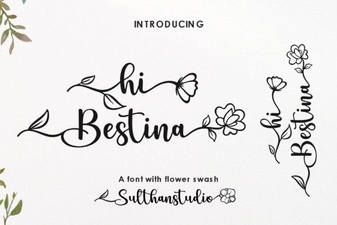 Hi Bestina Font Modern Typography Design Ideas
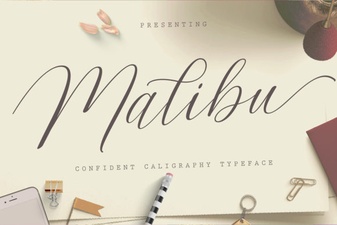 Malibu Script Font for Creative Design Projects
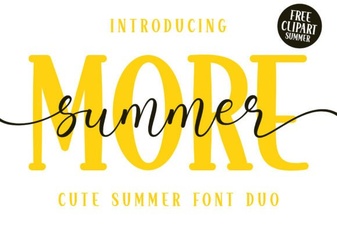 More Summer Duo Font for Creative Design Projects
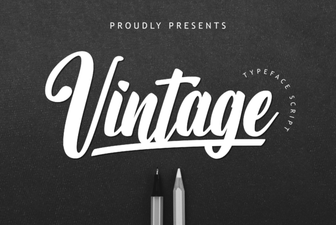 Best Vintage Fonts for Timeless Design Projects
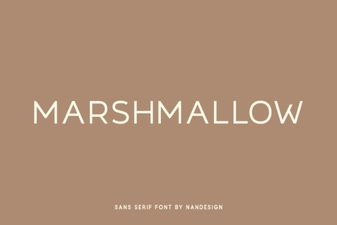 Best Marshmallow Font for Creative Projects and Design Use
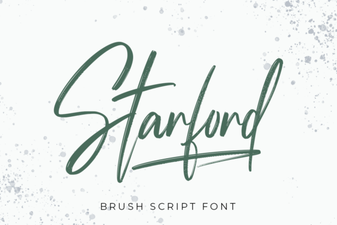 Starford Handwriting Brush Font for Creative Projects